 KOOROW
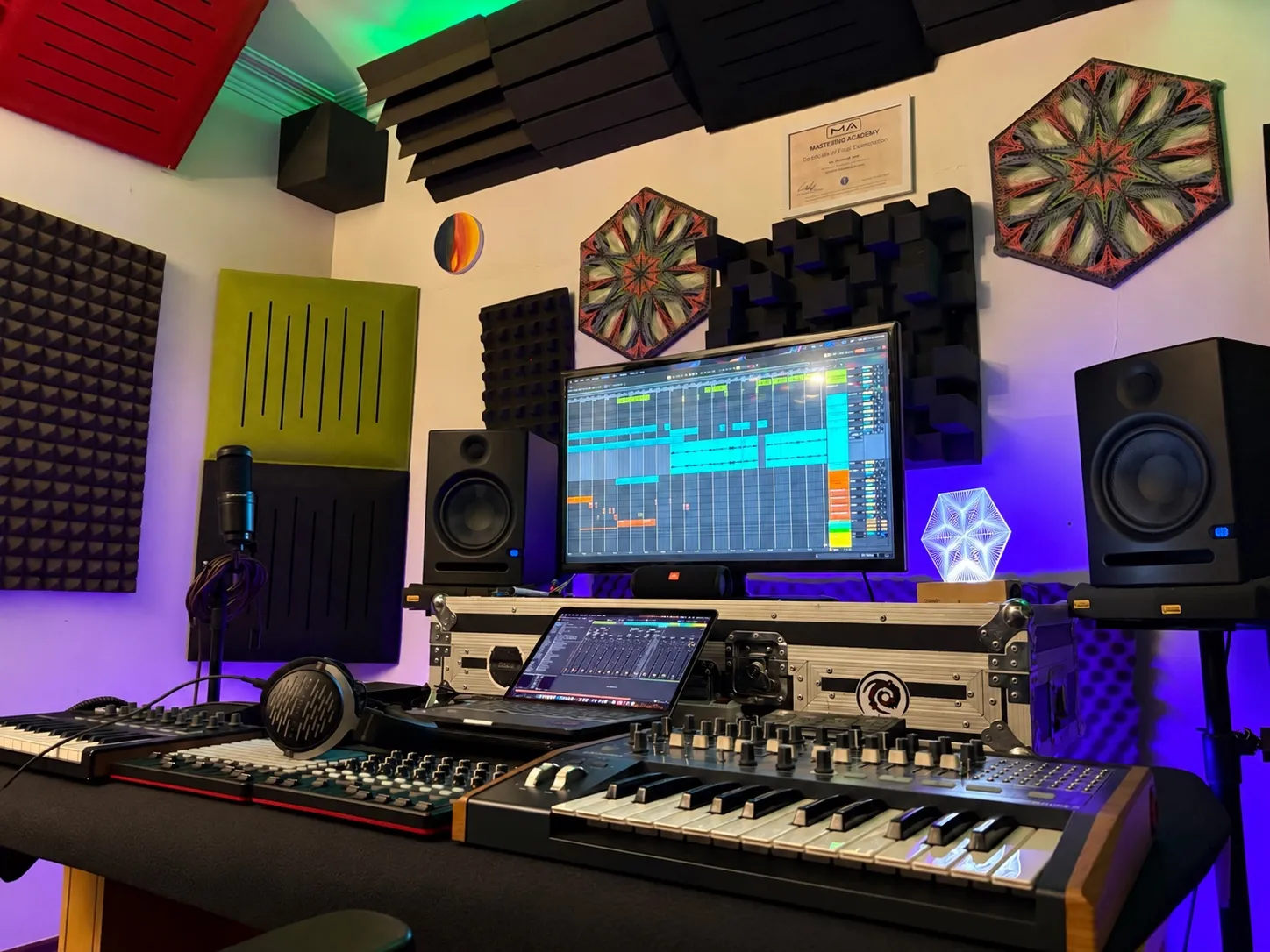
Roar is one of the most powerful audio effects in Ableton Live 12, and one of the least explained, because it does not have the long history of Saturator. It is a hybrid saturation device: several saturation stages, routings and shapers in one box. In this lesson KOOROW explains every section, turns a plain sine into a gritty 808, and uses Roar in parallel to make psytrance drums bigger at the same level.
The video is a short preview of the full lesson. It is spoken in Persian and has an English audio track: in the player, open Settings → Audio track → English. This article covers the lesson in English.
Roar in one minute
- Input: Drive pushes the signal into saturation, Tone makes it darker or brighter
- Routing: decides how the saturation stages are connected. Set this first
- Stages: each has a Shaper (the saturation type), Amount, Bias and a Filter
- Feedback: sends the output back in, like a delay that saturates every repeat
- Modulation: LFOs, an envelope and noise, routed in a matrix, much like Wavetable
- Output: Compress, Output level and Dry/Wet for the whole device
Routing: set this first
Roar is not one saturation, so the first decision is how its stages are connected. The icon next to each mode shows the signal path.
| Mode | What happens |
|---|---|
| Single | One stage. The signal goes in, gets shaped and comes out. |
| Serial | Stage 1, then Stage 2. The sound is saturated once, then the result is saturated again. |
| Parallel | Stage 1 and Stage 2 side by side. You hear each one separately, then they are blended: one colour here, another colour there. |
| Multi Band | Three saturations on the low, mid and high bands, like a multiband compressor but for saturation. The crossover points are adjustable (for example 200 Hz and 2,000 Hz). |
| Mid/Side | Different saturation on the mid and the sides, with a Blend control between them. |
| Feedback / Delay | Modes built around the feedback section, where delayed copies of the signal are saturated too. |
Why Mid/Side matters: delay, reverb and other time-based effects put a lot of information in the sides of the stereo image. If you distort the sides as hard as the mid, their level jumps and the sound falls apart. In Mid/Side mode you can saturate the mid more and the sides less, or not at all.
The stage controls
- Amount: how hard the shaper works. The higher it goes, the more the wave is clipped. This is not the same as Drive: Drive pushes the input, Amount sets the shaper itself.
- Filter: every common filter type, plus unusual ones such as a comb filter.
- Pre: when it is on, the signal is filtered before the shaper. When it is off, the filter works on the already saturated signal.
- Bias: makes the shaping asymmetric. Push it too far in either direction and you can lose the sound. KOOROW keeps it in the middle for most work.
The shapers: colour or character
This is the most important part of the device. The shapers fall into three families.
| Shapers | Use them for |
|---|---|
| Soft Sine, Diode Clipper, Tube Preamp | Colour, while mixing. They keep the transients and add a little saturation, harmonics, warmth and size to a sound you have already designed. Soft Sine is the gentlest soft clip, Diode is a bit rougher, Tube is warm and round and works very well on harsh, sharp leads. |
| Digital Clip, Bit Crusher | Hard, crunchy grit. They add harmonics in the upper octaves. Bit Crusher is the classic down-sampling sound you hear in DJ effects; its half mode keeps the low end of your sound, the full mode removes it and leaves only the generated top. |
| Fractal, Tri Fold, Polynomial | Sound design and FX. They fold the wave in different ways and add metallic, springy harmonics, like a new layer on top of the sound. Not for 808s and bass. |
| Noise Injection, Shards | Effects. Random noise and texture: the sound becomes a new sound of its own. |
Recipe 1: a gritty 808 from a sine
- Play a low sine from Wavetable (octave 1) into Roar.
- Set Routing to Single.
- Raise Amount. Around 57% the sine is already clipped into a usable 808.
- Lengthen the release on the synth if you want a longer tail, but not too far: four seconds was too long.
Recipe 2: bigger psytrance drums in parallel
- Put Roar on the drums in Single mode, Shaper on, and try Fractal. The drums become metallic, almost doubled.
- Switch Routing to Parallel and keep that Fractal layer in one stage.
- The high frequencies of the drums lack warmth, so add a little Tube in the other stage.
- Set the Output so that switching Roar on and off does not change the volume. Watch the fader meter.
- A/B it. Off, the drums feel empty, lonely, hollow. On, they get big and bold and shine, without getting louder.
Recipe 3: Multi Band for full-range sounds
Some sounds are very rich across the spectrum, with content from around 200 Hz all the way up to 20,000 Hz. You could put one saturation on all of it, but in Multi Band mode you can give each frequency range its own saturation.
Feedback, modulation and the Note mode
The feedback section works like a delay: the output goes back into the device and is saturated again, repeat after repeat, until it fades. Its time can be free, synced to the BPM, triplet, dotted, or set by Note. Note mode turns the feedback into a tuned resonator, much like Spectral Resonator: Roar works out the very short delay time for you, so you can play pitches with it.
The modulation matrix gives you LFOs, an envelope and noise to move any parameter, for example a square LFO on Drive or an LFO on Amount. In the full lesson these are used to build an FX layer that trails behind an FM lead.
Watch the full lesson
The complete 26-minute Roar lesson is in Koorow Premium: Feedback and Delay modes in detail, the modulation matrix, the Delay-mode FX layer behind an FM lead, and the Note mode resonator. Members also get weekly lessons, project breakdowns, samples, presets and feedback on their own tracks.