 KOOROW
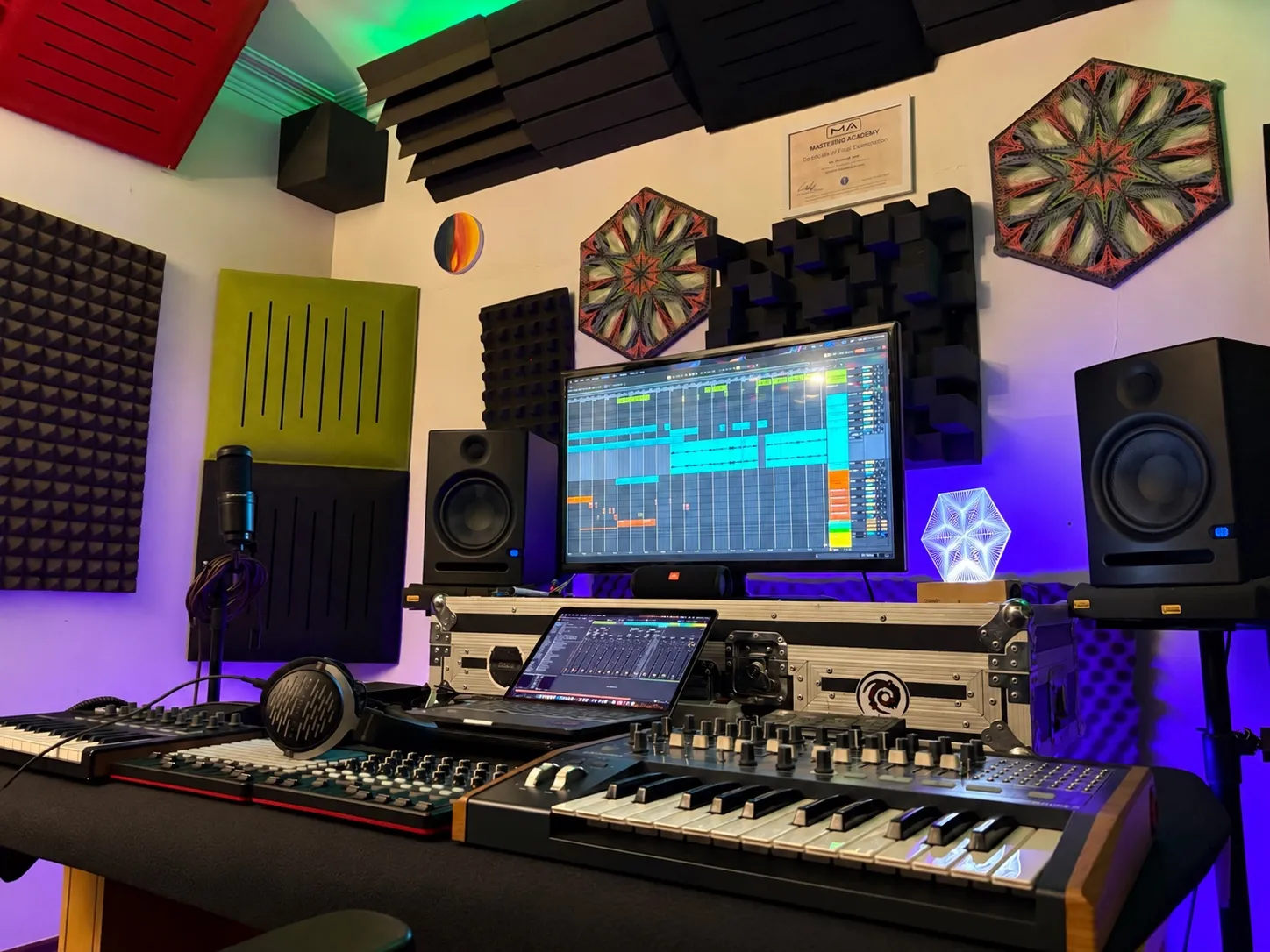
Many producers believe arrangement is pure taste: do whatever you like. It is not. Arrangement has rules and a framework, and inside that framework your track takes the shape it should and tells its story. In this lesson KOOROW arranges the opening of a darkpsy track in Ableton Live, built from the sounds made in his earlier videos, and shows the workflow he uses to keep energy, tension and the listener’s attention moving.
The video is in Persian. This article walks through every step in English.
The core ideas
- Nothing should stay the same. Not for a single second should a part sound exactly like the one before it.
- Build energy slowly. Do not reveal everything at the start of the track.
- Give the listener a home and return to it after every change in energy.
- Be unpredictable, but stay inside the genre’s conventions.
Rules vs workflow
Arrangement is not like sound design, where you experiment endlessly. A few basic rules decide whether a track works, and experienced artists sometimes bend them in certain styles. KOOROW teaches the full set of rules in his private classes. Everything else, how you actually do it, is workflow. There is no right or wrong in workflow, only what works for you. The concept, the places where things happen and the rules stay the same.
Step 1: Turn every line into audio first
Before arranging, KOOROW converts all his MIDI tracks to audio, by bouncing or by Freeze and Flatten. But first he finishes every line completely: all the sound design, the mixing of that line and every automation, such as the cutoff or gate movements you record while playing. Only when nothing is left to do on a sound does it become audio.
Why? Editing and building call-and-response between parts is much easier with audio clips than with MIDI. Some producers write breaks as new piano-roll clips and that is fine if it suits you. KOOROW finds chopping audio simpler.
Step 2: Chop on a fine grid
Zoom in so the grid gets finer, select the section you want to cut, and chop. Take a slice, repeat it a few times, let it play out, remove the rest. Repeat a small hit twice, skip one, bring it back. These small edits keep a part alive.
Step 3: The first 16 bars, no lead yet
The intro is 16 bars. Where a new section begins, KOOROW places an FX hit. Because it is the start of the track, he does not use the lead yet. The goal is to add energy gradually. If you play everything you have at the start, you have nothing left by minute two. Listen to any track: the main part only starts after a minute and a half or two, and darkpsy takes even longer to roll.
The lead only gets a short introduction here. The drums also come in step by step. The open hat plays with a few small variations, and the snare only arrives later. There is no rush.
Step 4: Build transitions with crashes and silence
At the end of a block, a reverse crash rises, there is a quarter-note of silence where nothing plays, and then everything hits. The silence before the hit is what gives the impact.
Step 5: Make the parts talk to each other
Treat the layers as a conversation. In the second block the lead says something and a pad answers. The string pad from an earlier video answers the lead’s peak, and then the vocal FX comes in. When a texture has already played its 16 bars, it does not need to come back right away. Enough is enough.
Later, two leads trade phrases in call-and-response. Keep them clearly separate in your mind: each lead has its own written part.
Step 6: Give the listener a home note
After a short silence, KOOROW moves the bass note up to G0. The ear is not used to that note yet, and you cannot hit a climax at the start of the track, so after four hits he splits the clip and brings the bass back to the original note.
That original note is the home. Give your listener a stable point. Whatever you do to raise or lower the energy, come back home. Listen to the bass in the video and you hear the return.
Step 7: Automate an Auto Filter on the kick and bass
- Put an Auto Filter on the kick and bass group.
- Set it to the DJ filter type, a feature added in Ableton Live 12. One direction is a high-pass, the other a low-pass.
- Show the automation lane and draw a high-pass sweep, then return it to zero, the neutral position.
- Add some resonance to make the sweep more exciting.
Step 8: Stay unpredictable
Do not let hits fall into a regular pattern. If a sound plays twice, then twice again, let the next one run four times, then once, then once in a new position. The human brain gets used to everything very quickly. So whatever you do in one direction, also do the opposite. If you pile up energy on one side, take something away on the other.
Gaps can be filled with a vocal FX. From here KOOROW plans to raise the bass note, bring in two new leads, build excitement with their call-and-response, and then take everything away again. That is the story of your track. Just do not do anything too far outside the genre’s conventions, such as cutting everything without reason.
What comes next
Percussion and a Serum snare are still to be added in later videos. Each new sound from the series goes into this same project, which will slowly become a complete track.
Learn arrangement on your own track
KOOROW’s private classes are project-based: you work on your own project from start to finish and learn every rule of arrangement along the way. Koorow Premium adds weekly lessons, project breakdowns and feedback in the members’ group.
Keep learning
- Make your drums groove like pro psytrance tracks
- How to design psytrance risers that create real tension
- Ableton Live 12.3 new features: hands-on review
- Scaler 3 tutorial: faster chords and harmony for producers
- Vocal to FX: turn raw recordings into psytrance FX with Uhbik
- Violin to atmosphere: a dark string pad with Valhalla
- Psytrance texture in Serum: a rhythmic layer behind your leads
- All articles